Overview
Specs

Sub ProSmart Bass. Perfectly Tuned.

Deep, Powerful Bass
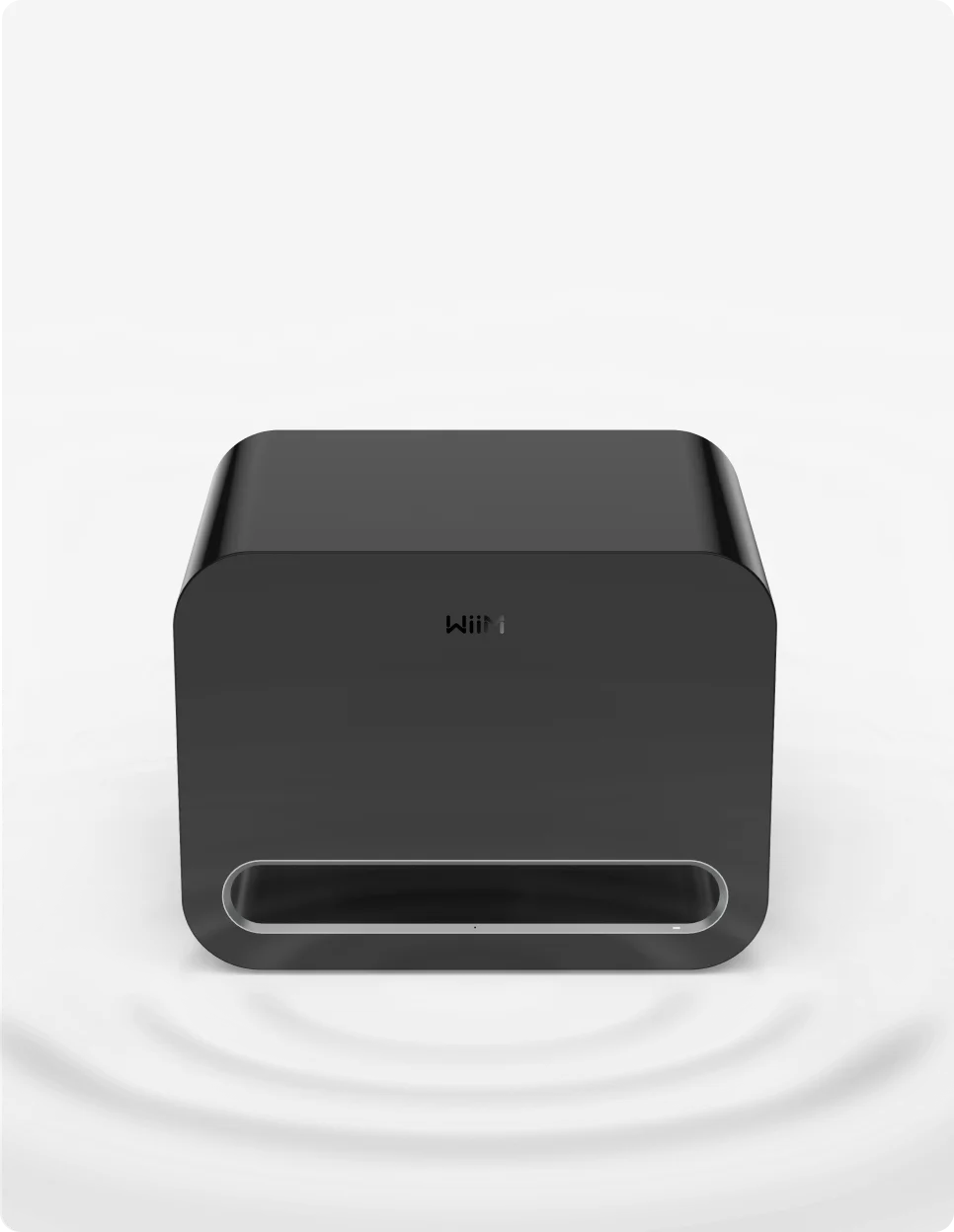
AI-Driven RoomFit™ Calibration

Next-Gen Connectivity
Easy Setup & Full App Control
Seamless Integration
Elegant Design, Tuned for Music & Movies
Regular App & Firmware Update
(Over The Air)

Smart Power Management
Feel the Impact of Every Beat
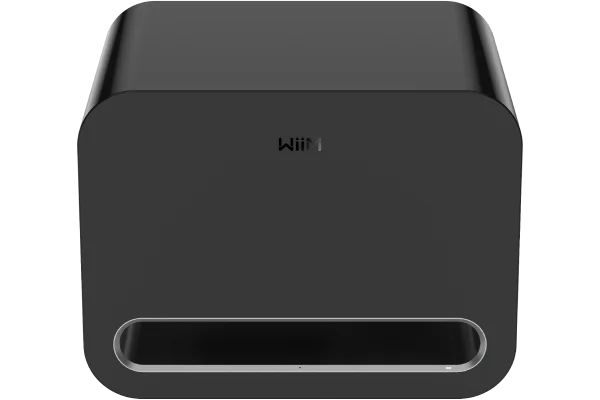
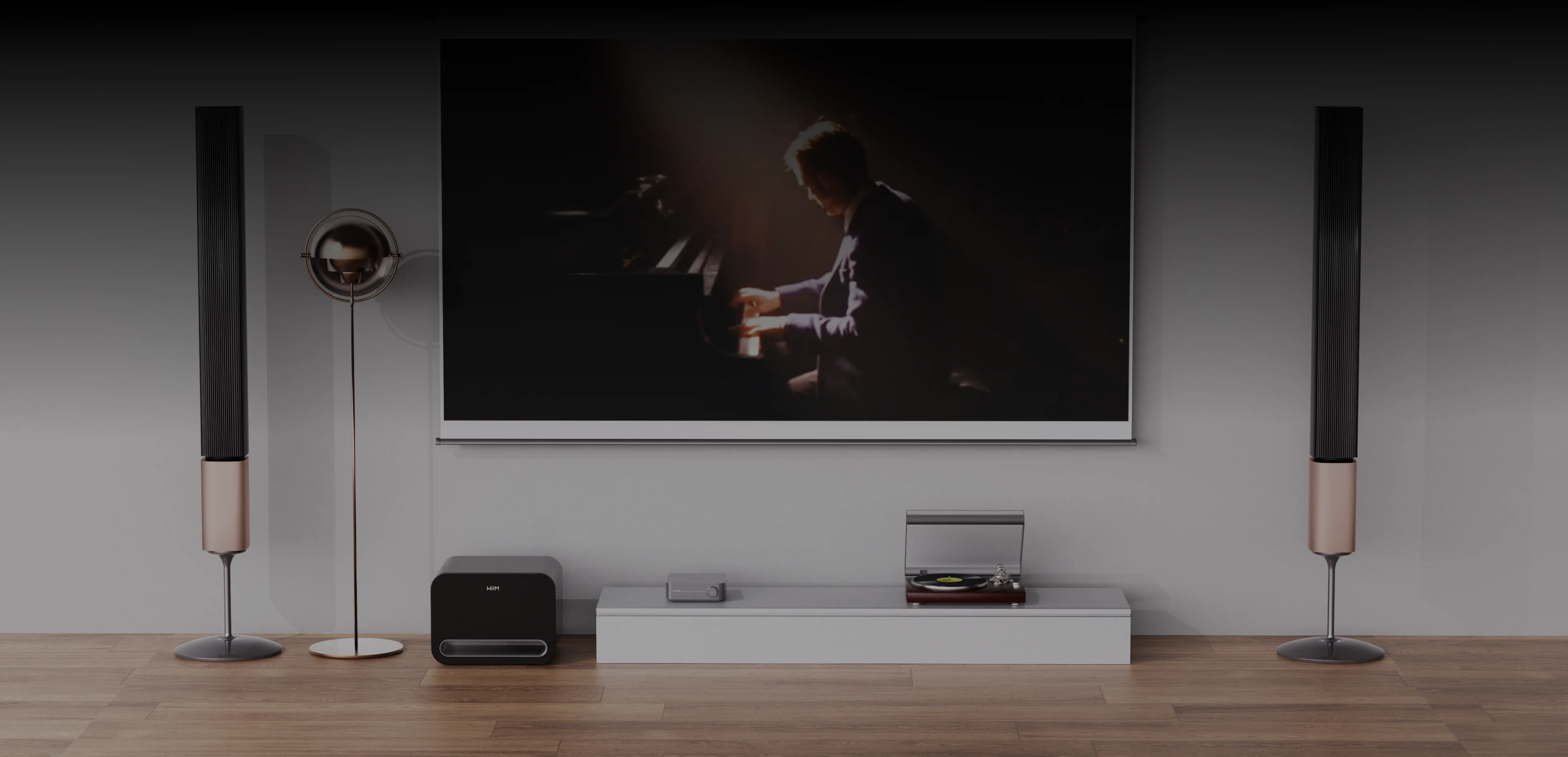
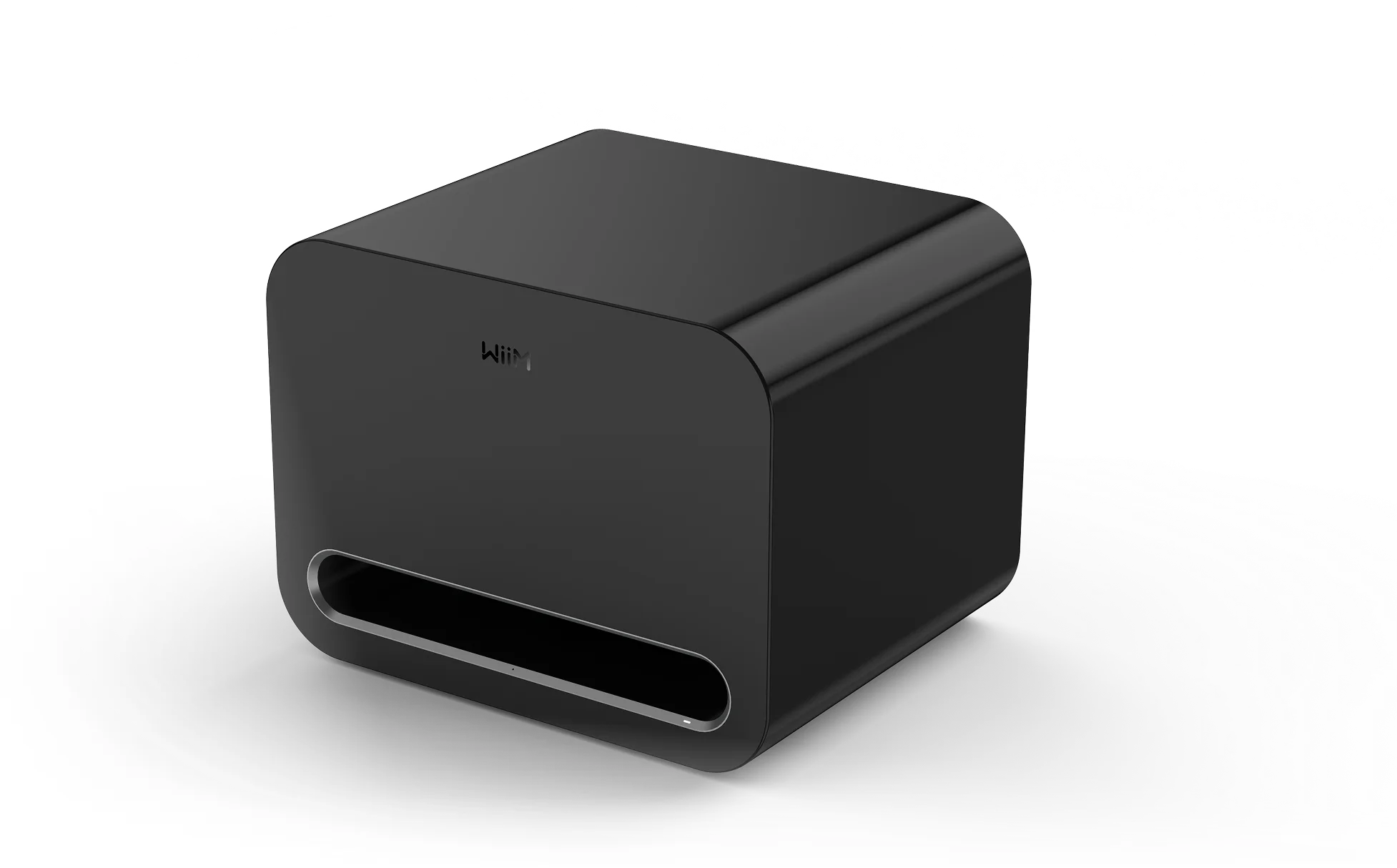
Delivering 250W of distortion-free bass down to 25Hz, the WiiM Sub Pro brings music, movies, and games to life with incredible depth and power. Whether you’re diving into cinematic explosions or feeling the pulse of your favorite track, Sub Pro ensures your sound has soul—and serious punch.
Smart Sound, Perfected for Your Room
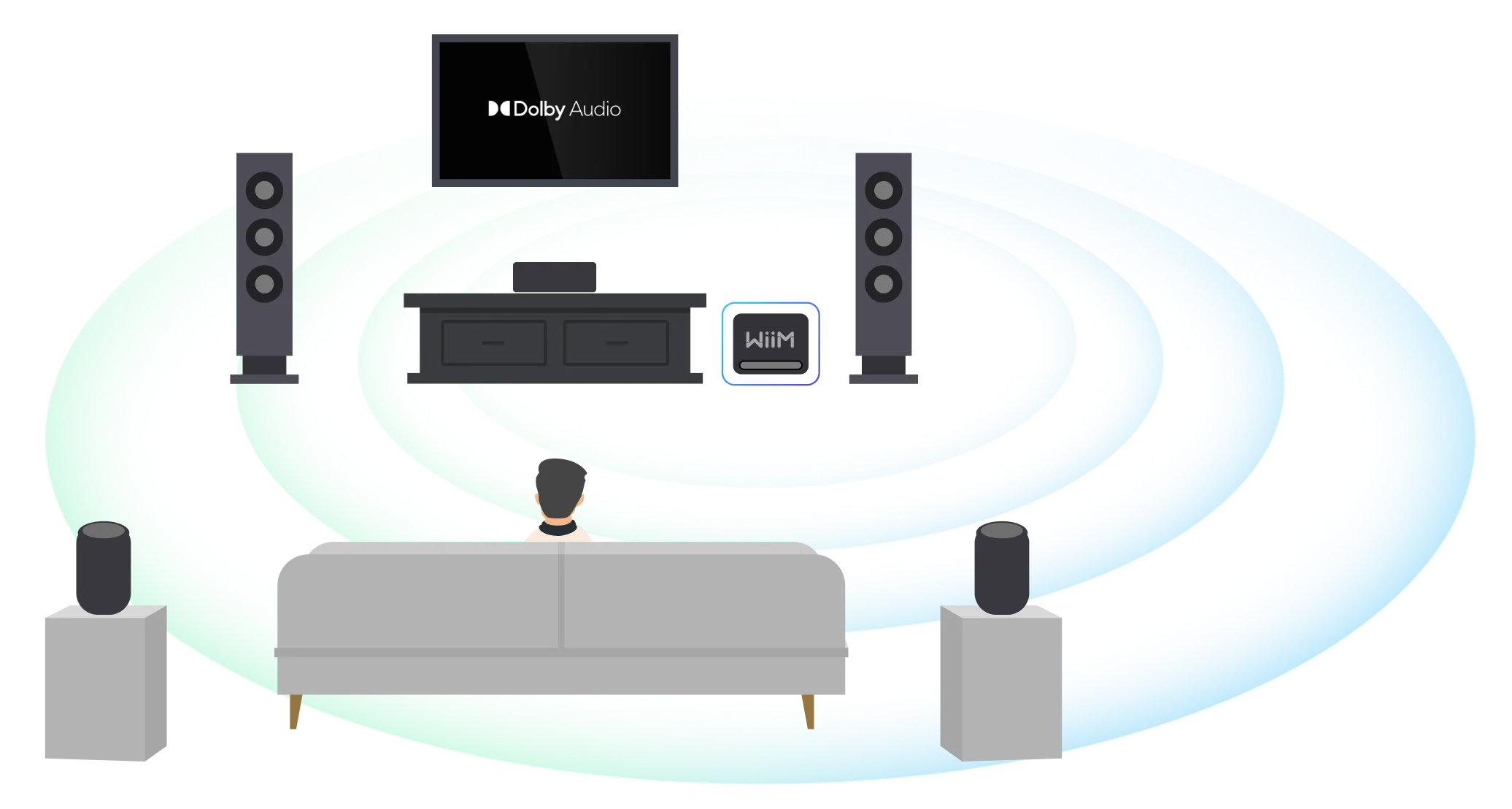
Powered by our AI-driven RoomFit™ auto-calibration, the Sub Pro adapts to your space. It analyzes room acoustics and speaker placement to deliver deep, balanced bass wherever you are. Your room becomes your studio.
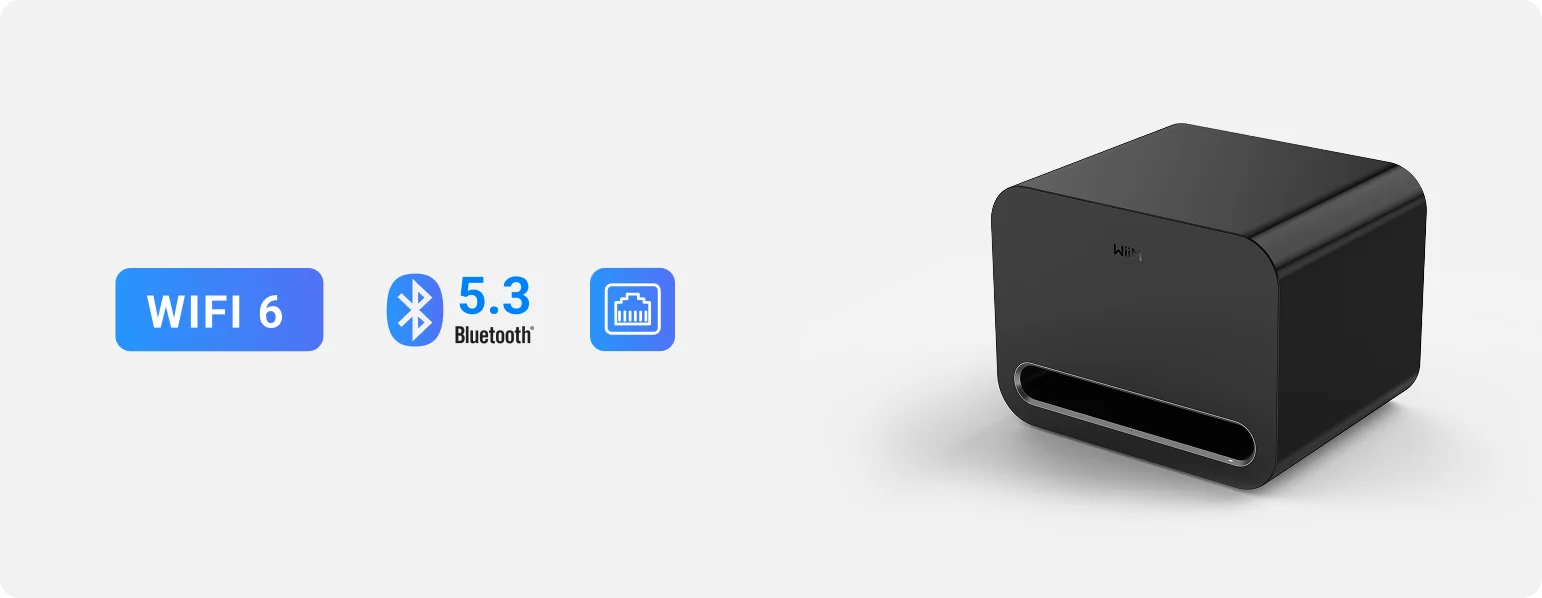
Next-Gen Connectivity
Wi-Fi 6: Ultra-low latency, stable streaming
Bluetooth 5.3 with LE Audio: Flexible pairing with supported devices
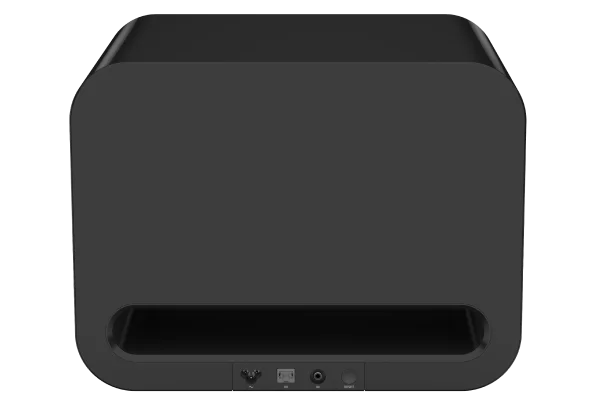
Ethernet Port: For wired setups that demand zero compromise



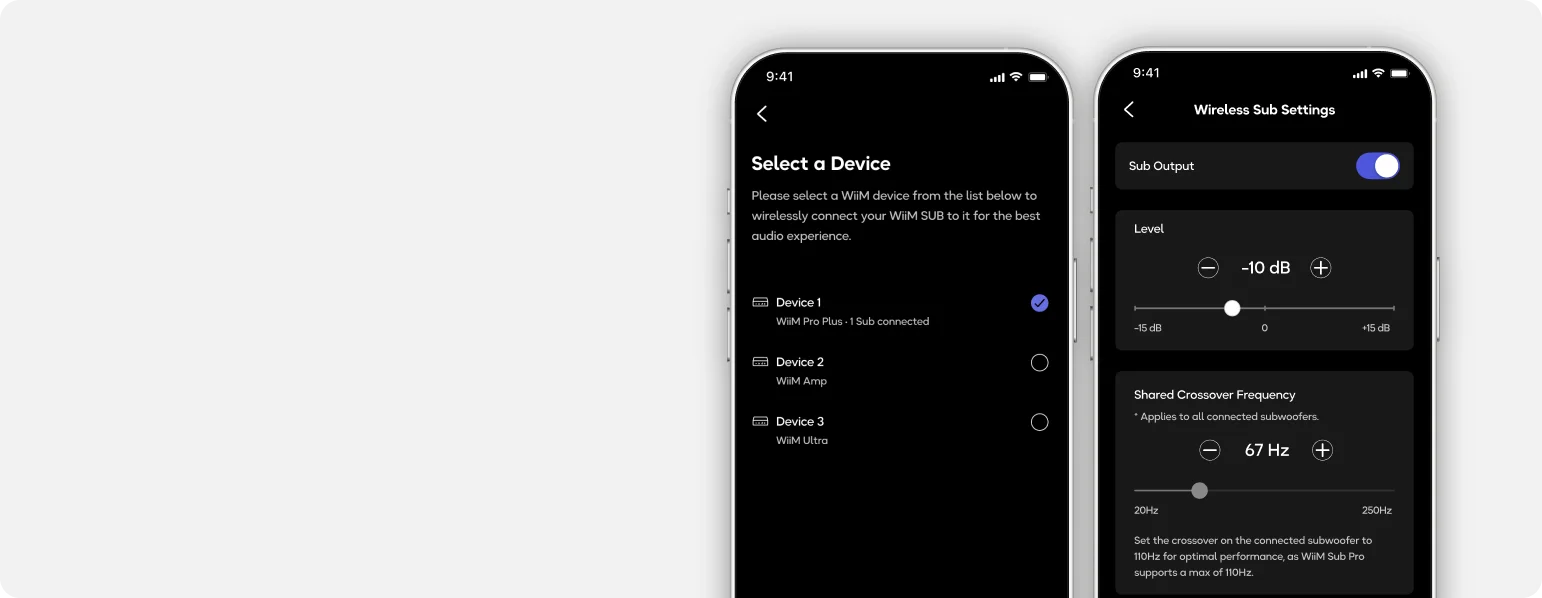
Total Control, Effortlessly
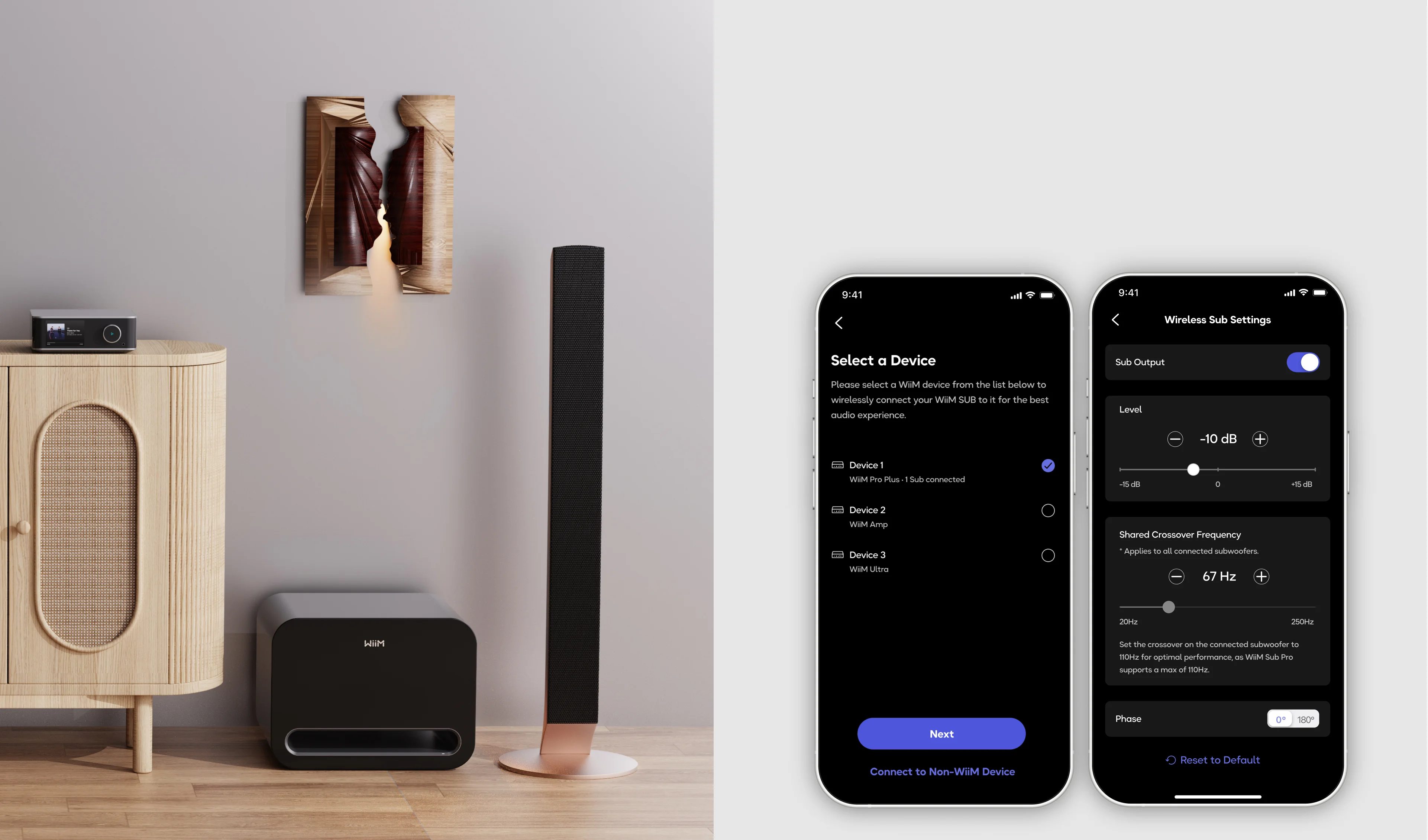
Dial in your sound exactly how you like it via the WiiM Home App:
10-band Parametric EQ
Adjustable crossover, phase, level, and latency
Subwoofer presets and real-time calibration tools
Built to Perform— and Last
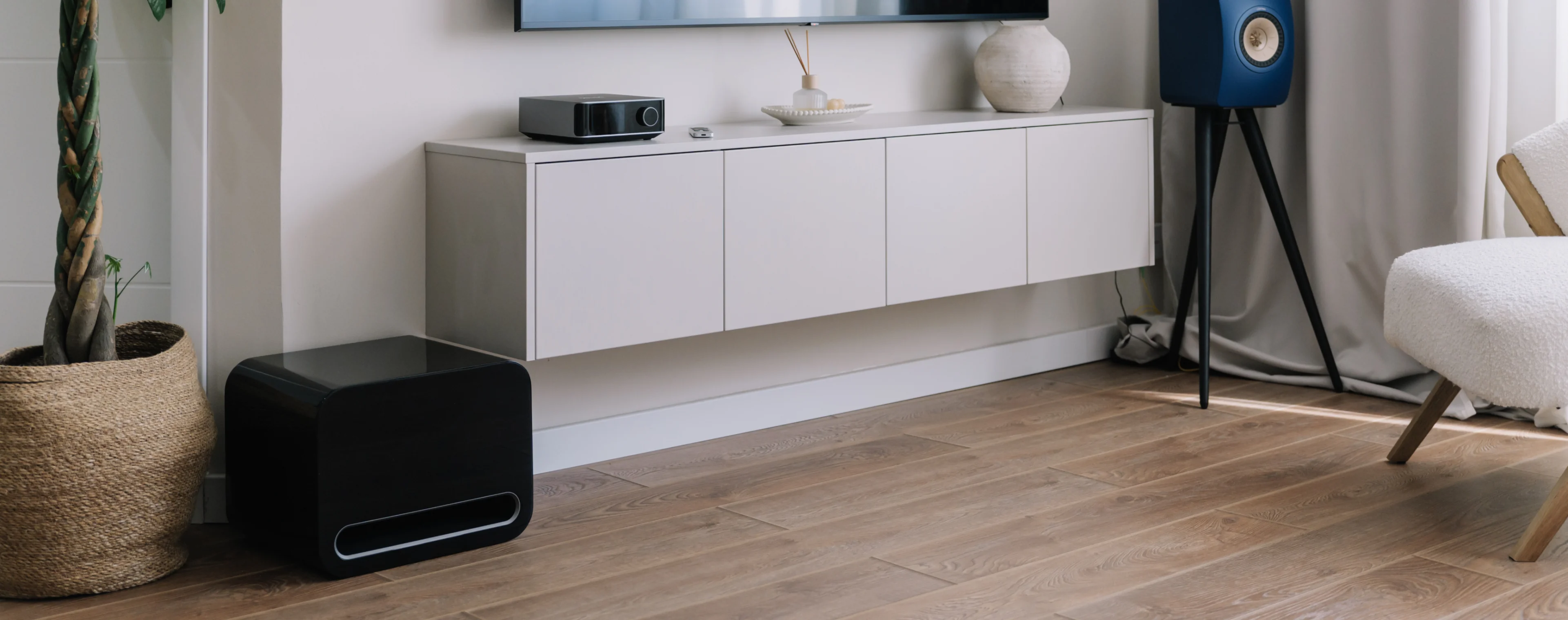
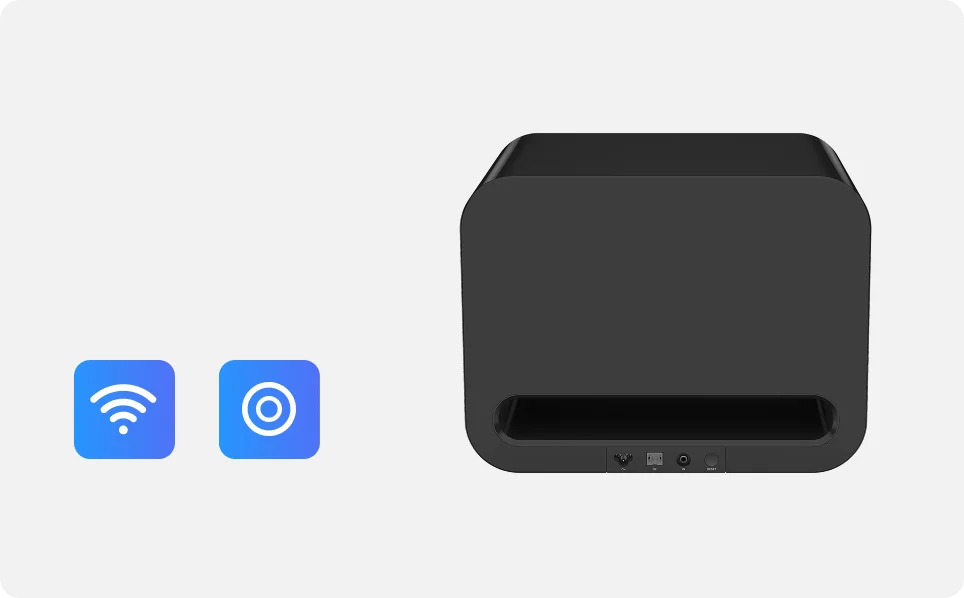
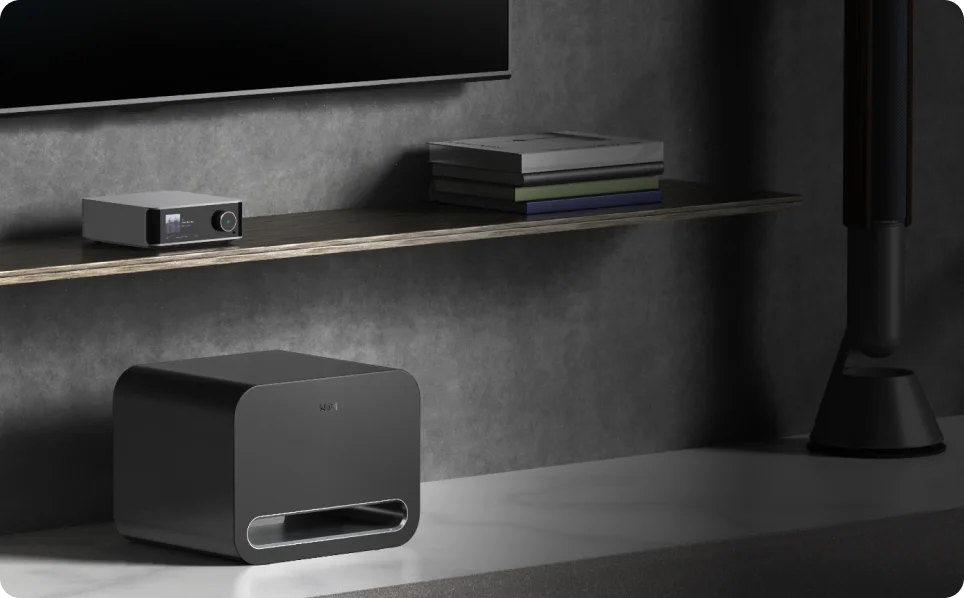
Encased in a vibration-resistant chassis with custom 8-inch drivers, the Sub Pro delivers clean, controlled bass—no rattles, no resonance. Its refined, minimalist design blends seamlessly into any modern space.
Works With Everything

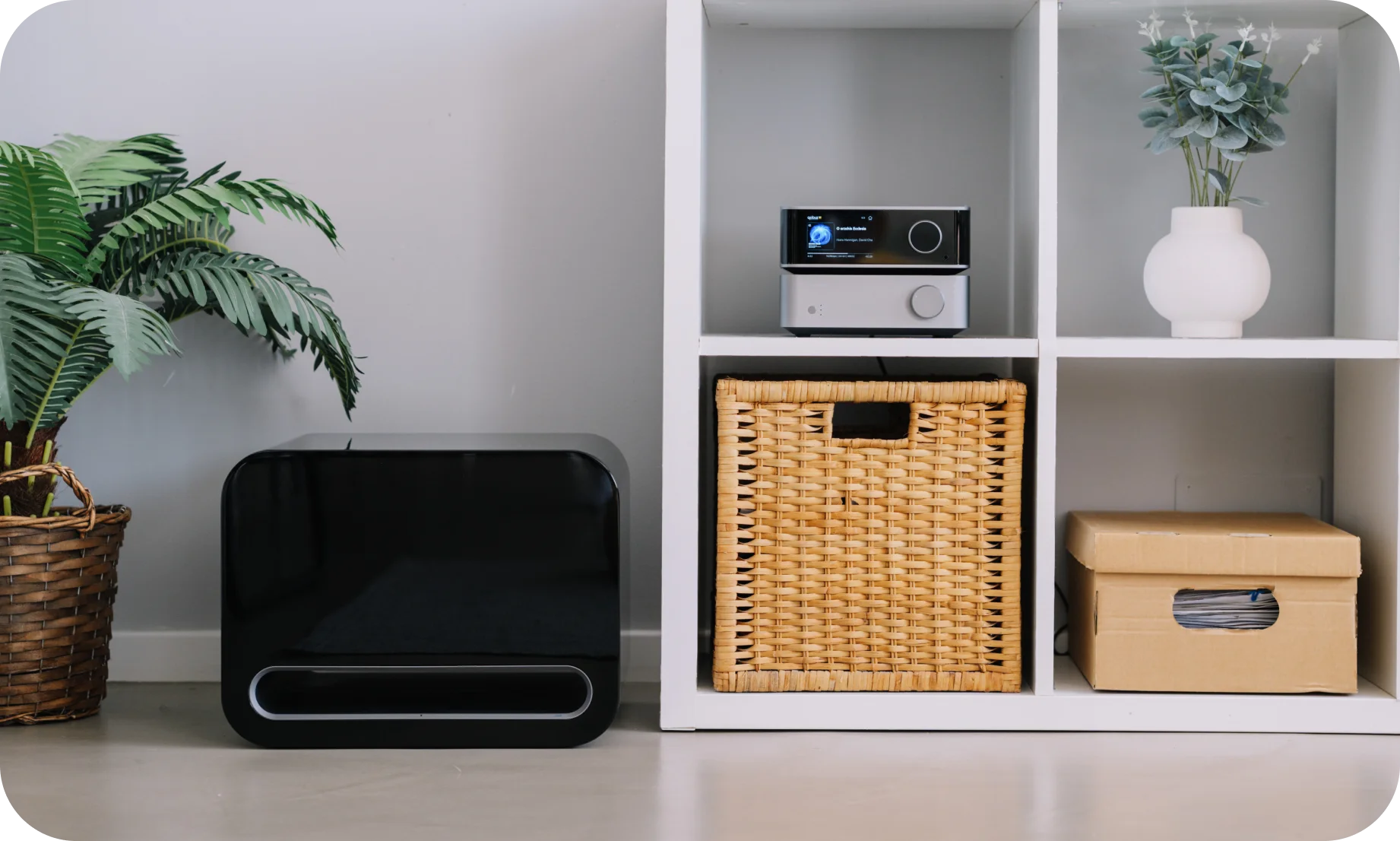
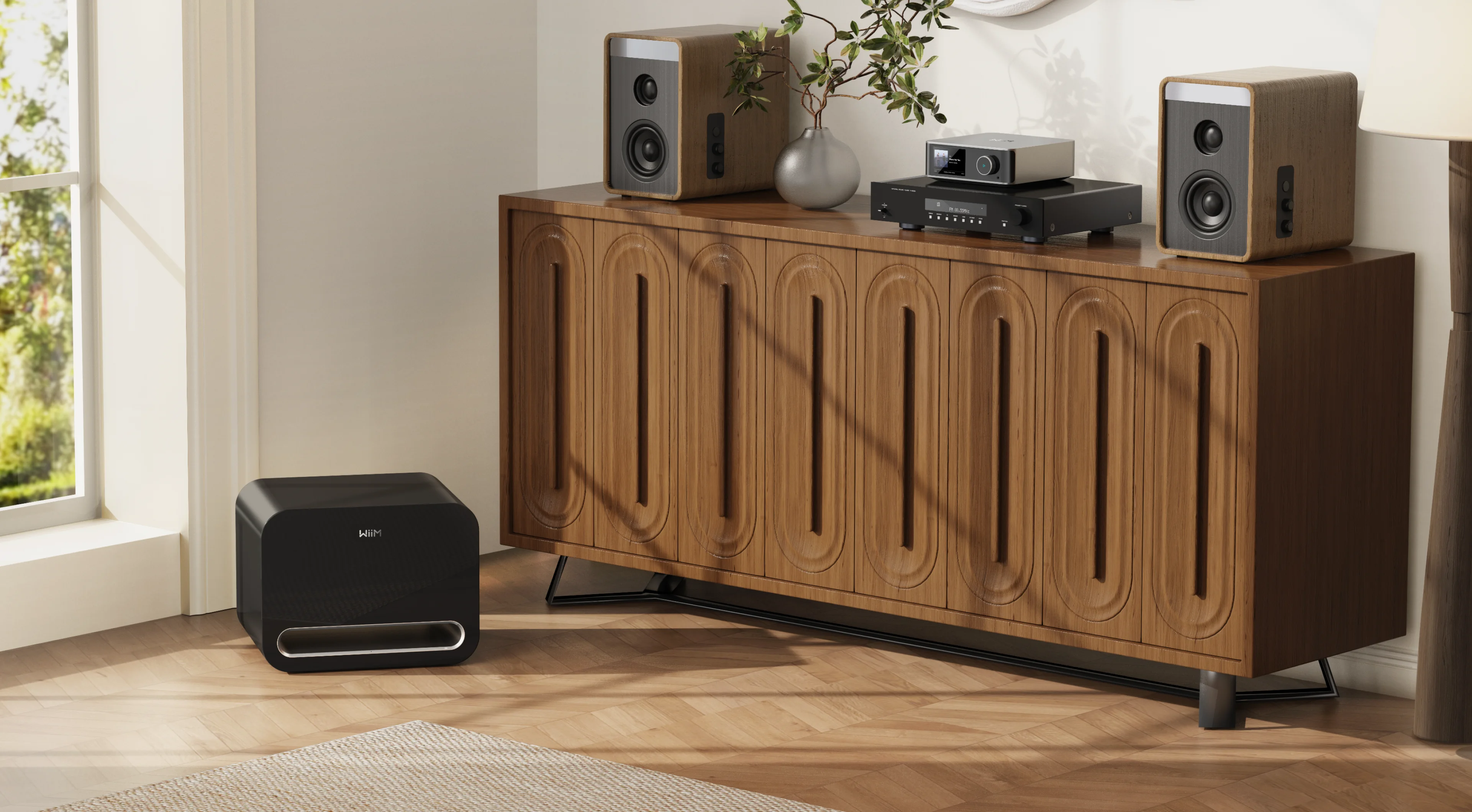
Perfectly pairs with WiiM streamers, amps, and speakers

Universal compatibility: RCA sub-in lets you connect to any third-party system

Auto updates: Enjoy new features and performance optimizations over time
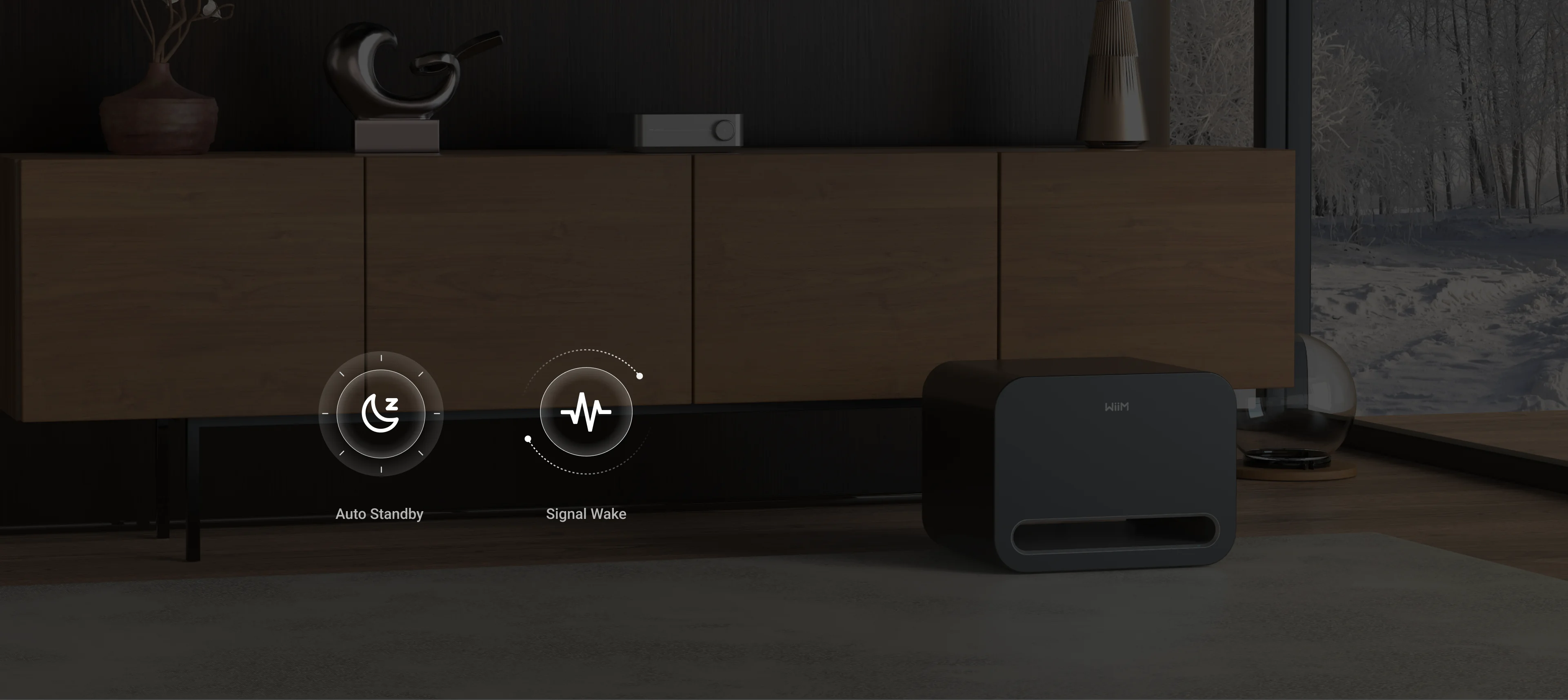
Smart Power Management
Automatically enters standby mode and detects RCA signal or plug input to optimize energy use and simplify daily operation.
Easy to Setup and Use
Step 1
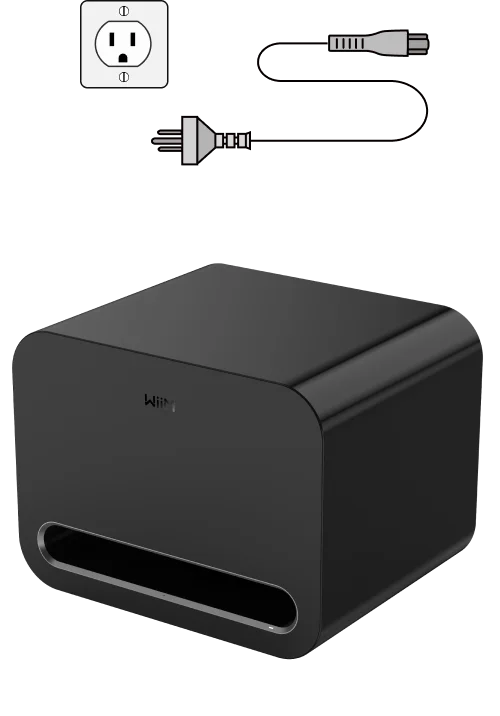
Power Up
Place the Sub Pro where you want it, plug it into the wall.
Step 2
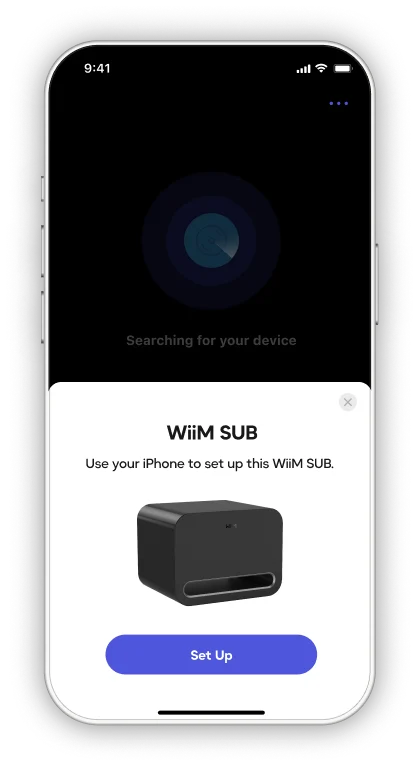
Get Online
Open the WiiM Home App to join your Wi-Fi or Ethernet.
Step 3
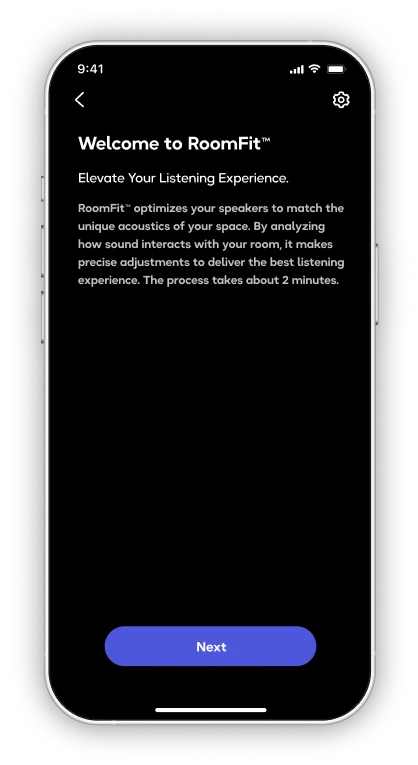
RoomFit™ Auto-Tuning
Tap RoomFit™ in the app, stay quiet for the sweep tone, and let AI dial-in perfect bass for your room.
Step 4
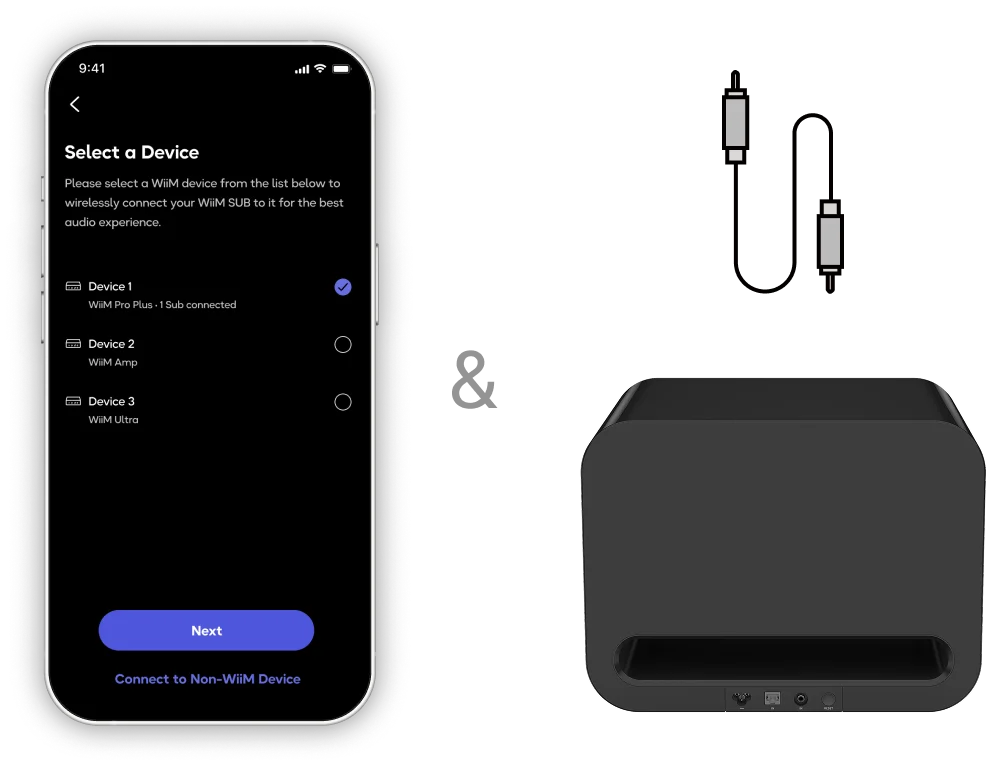
Pair & Play
Select your main WiiM speakers/amp in the app (or plug an RCA sub-out).
FAQs
How do I connect the WiiM Sub Pro to my system?
You can connect wirelessly to WiiM streamers, amplifiers, and speakers, or use the RCA input for any third-party device with a subwoofer output.
Can I use the WiiM Sub Pro with non-WiiM audio gear?
Yes. The Sub Pro works with any receiver, amp, or soundbar that has a standard RCA subwoofer output.
Is the WiiM Sub Pro truly wireless?
Yes. It supports wireless pairing with compatible WiiM devices via Wi-Fi 6 (and Bluetooth 5.3 via software update). No cables are required for signal transmission in those setups—just power.
Does it support multi-room audio?
Yes. When connected wirelessly to a WiiM device, the Sub Pro can sync as part of a multi-room setup via the WiiM Home App.
How does RoomFit™ auto-calibration work?
RoomFit™ uses your mobile device’s microphone or external one attached to your mobile device to analyze your room acoustics, then automatically adjusts bass output for optimal performance.
Can I fine-tune bass settings manually?
Absolutely. The WiiM Home App lets you adjust EQ, crossover frequency, phase, level, and latency for custom sound tuning.
Show More